Generate CLI Access Keys
You can create the access key / secret key used by enebular CLI from the Account Settings page.
What You Can Do
- Create an access key / secret key required to run the CLI
- Manage up to three keys
- Add a description to each key for easier management
Create an Access Key
- Check the
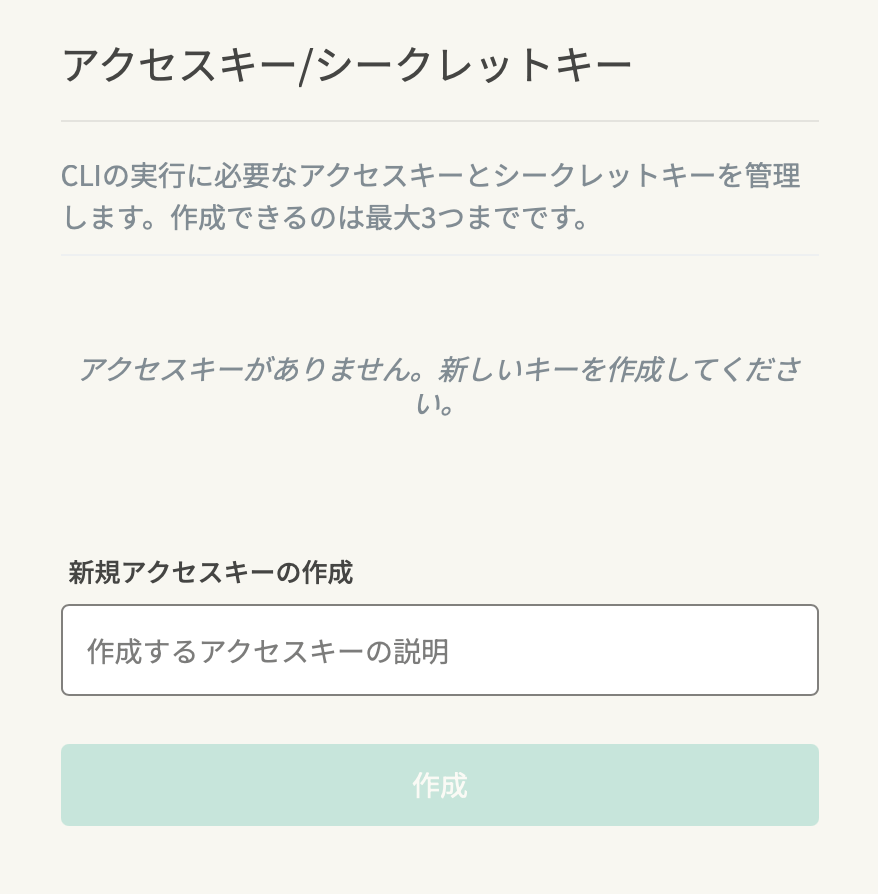
Access Key / Secret Keysection inAccount Settings - Enter a description in
Create a New Access Key - Click
Create
After Creation
When the key is created, the access key and secret key are displayed.
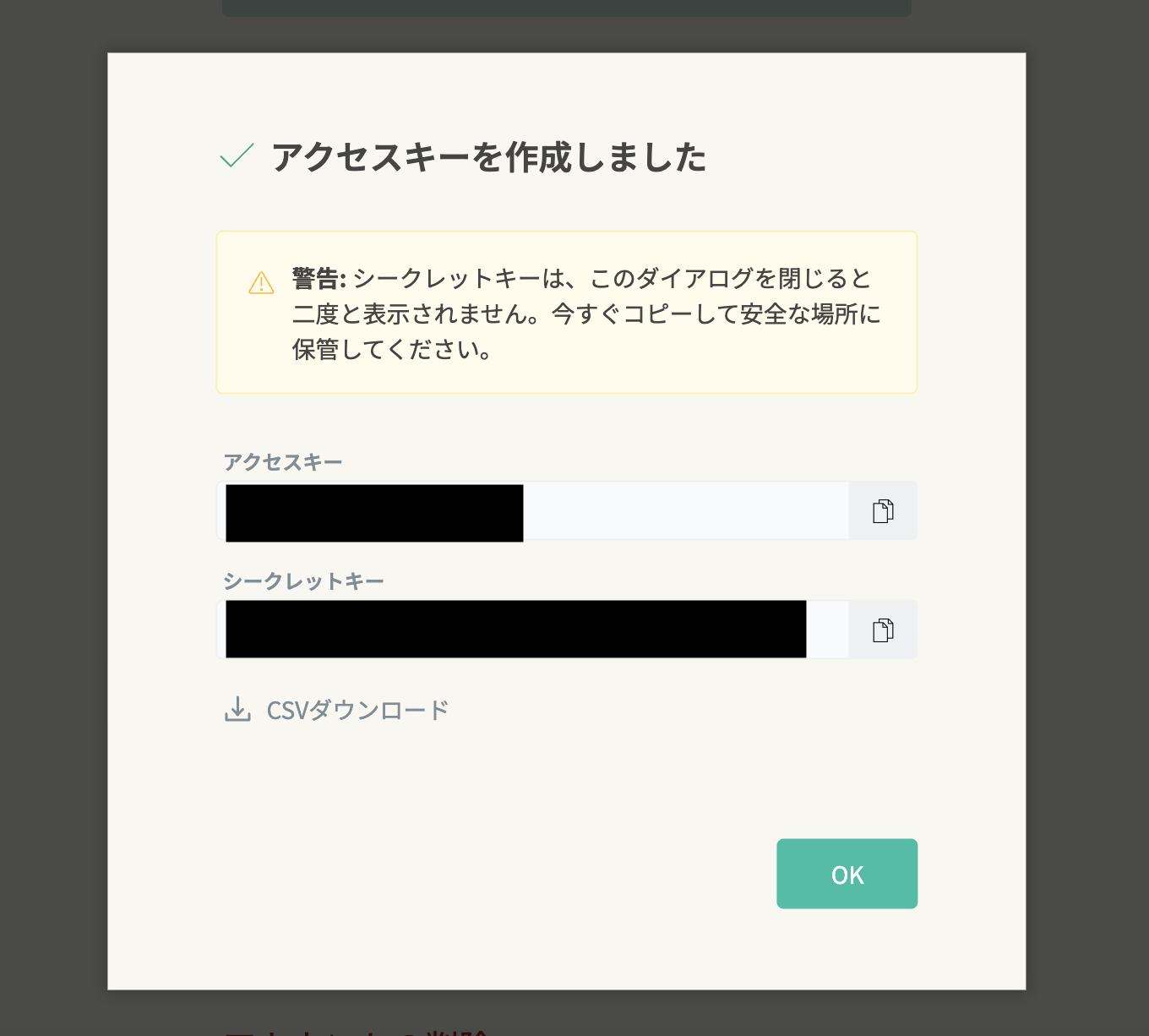
- The secret key will not be shown again after this dialog is closed
- Store the displayed access key / secret key in a safe place immediately
- Use the CSV download option if you need to save them as a file
Delete an Access Key
You can delete an access key.
- Check the
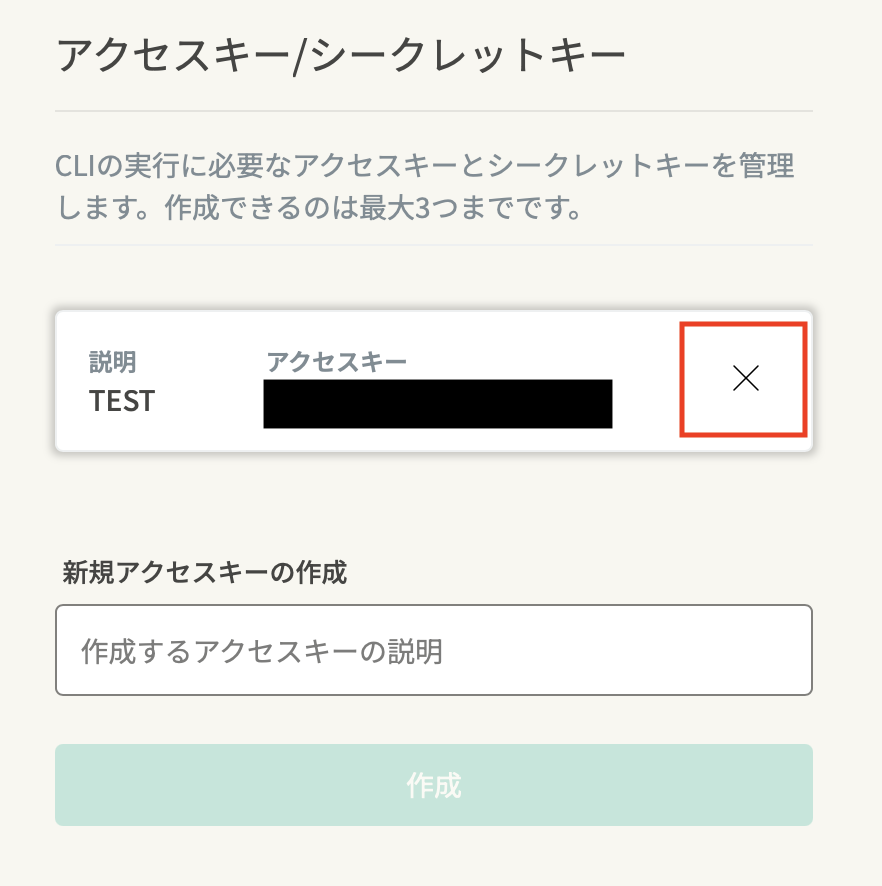
Access Key / Secret Keysection inAccount Settings - Click the delete icon on the right side of the access key you want to remove
- Review the confirmation dialog, then click
Delete
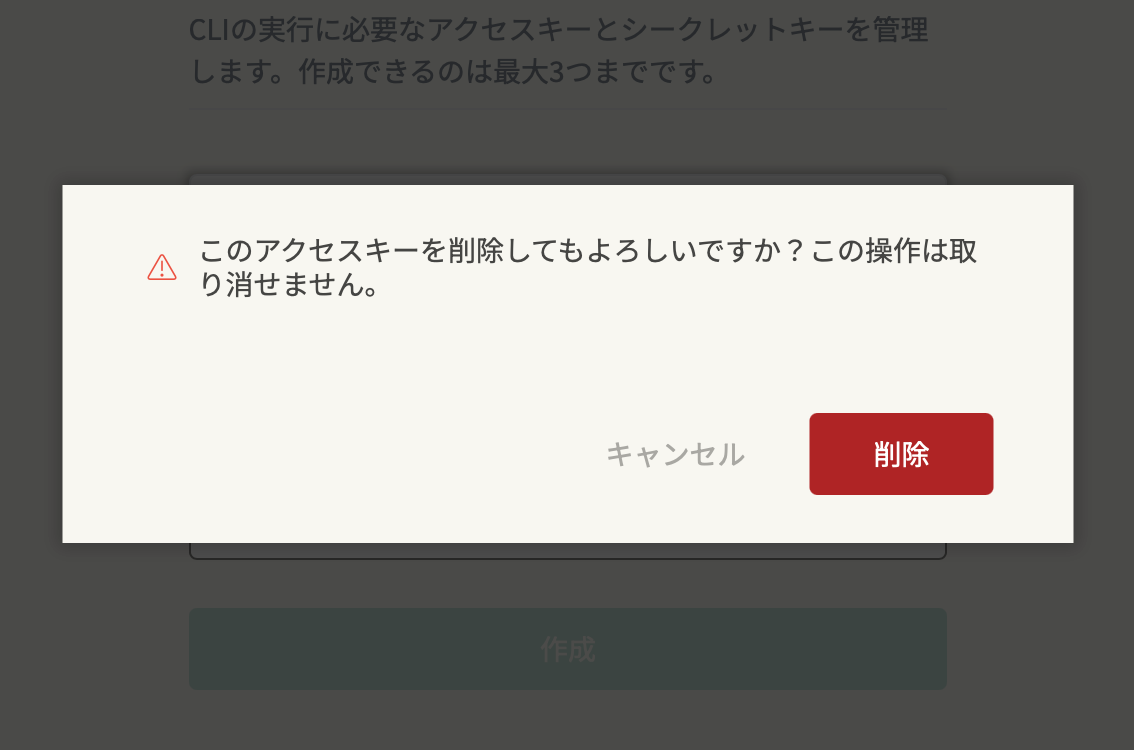
- Deleting an access key cannot be undone
- The deleted access key / secret key can no longer be used with the CLI