This document is not up-to-date, please refer to the Japanese document.
Account Settings
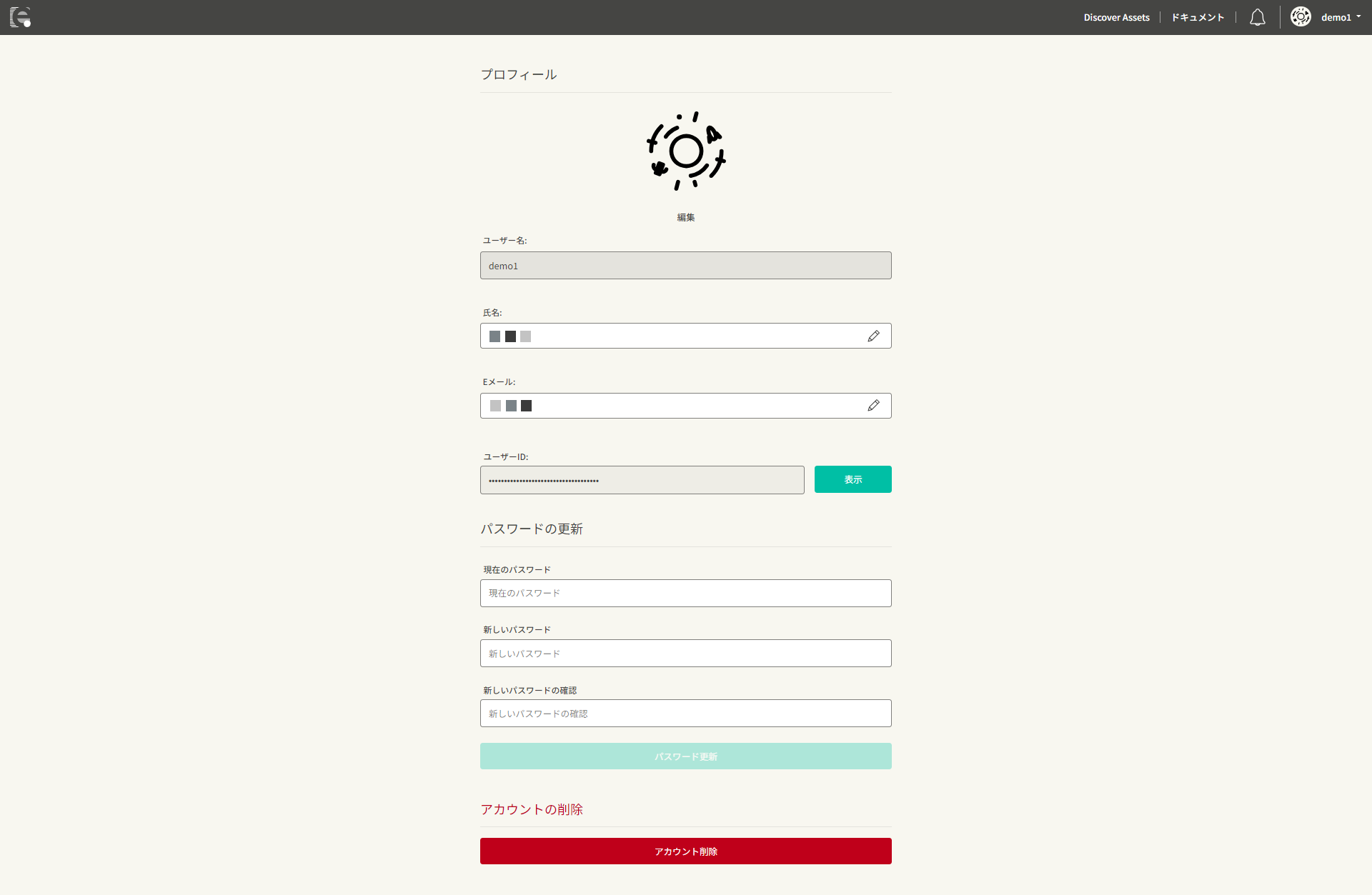
You can view and edit your account information in "Account Settings".
Profile
You can edit your profile information here.
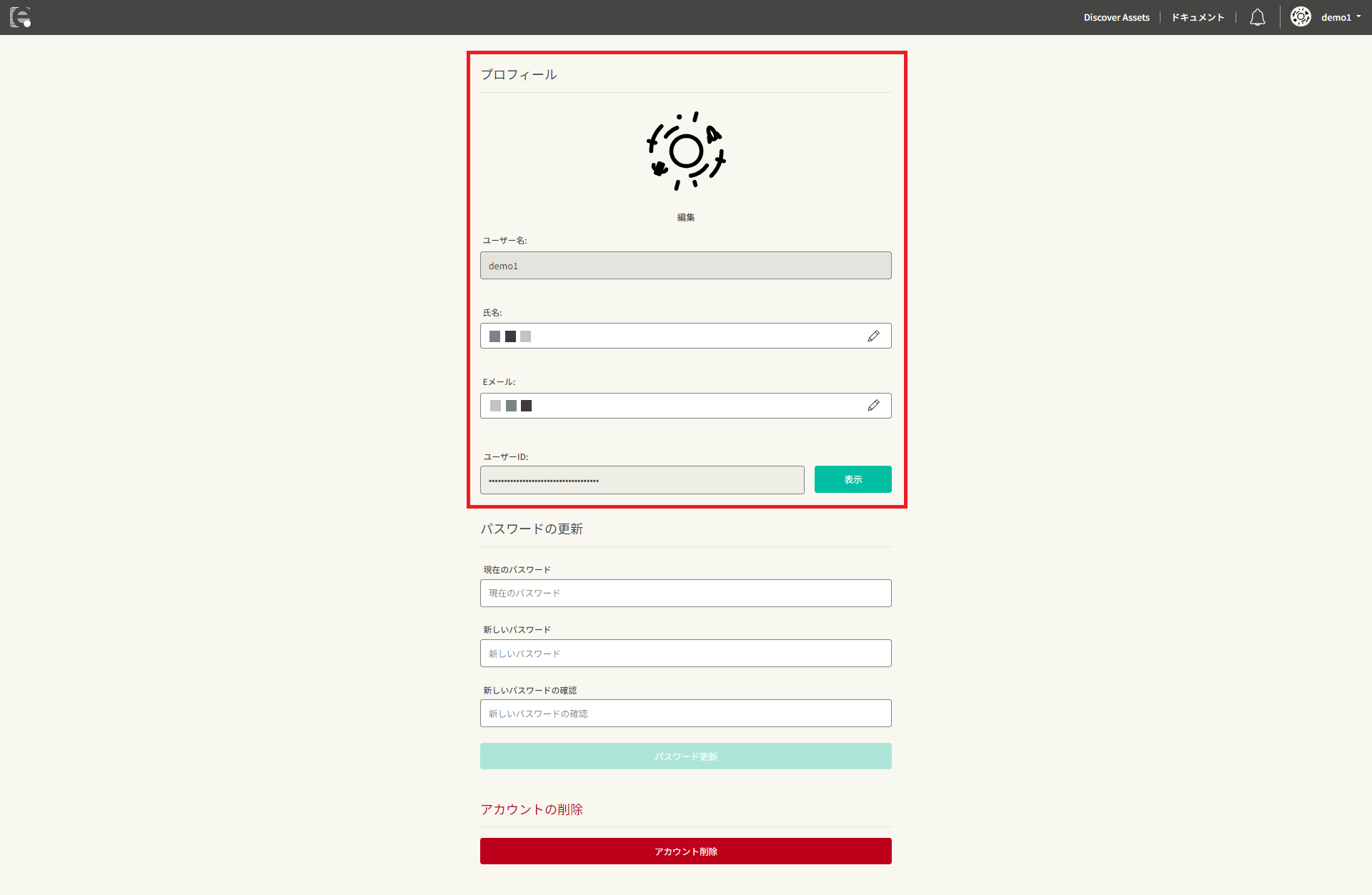
- Username: Your nickname as displayed in "Discover"
- Name: Your full name (private)
- Email: Your email address (used for authentication)
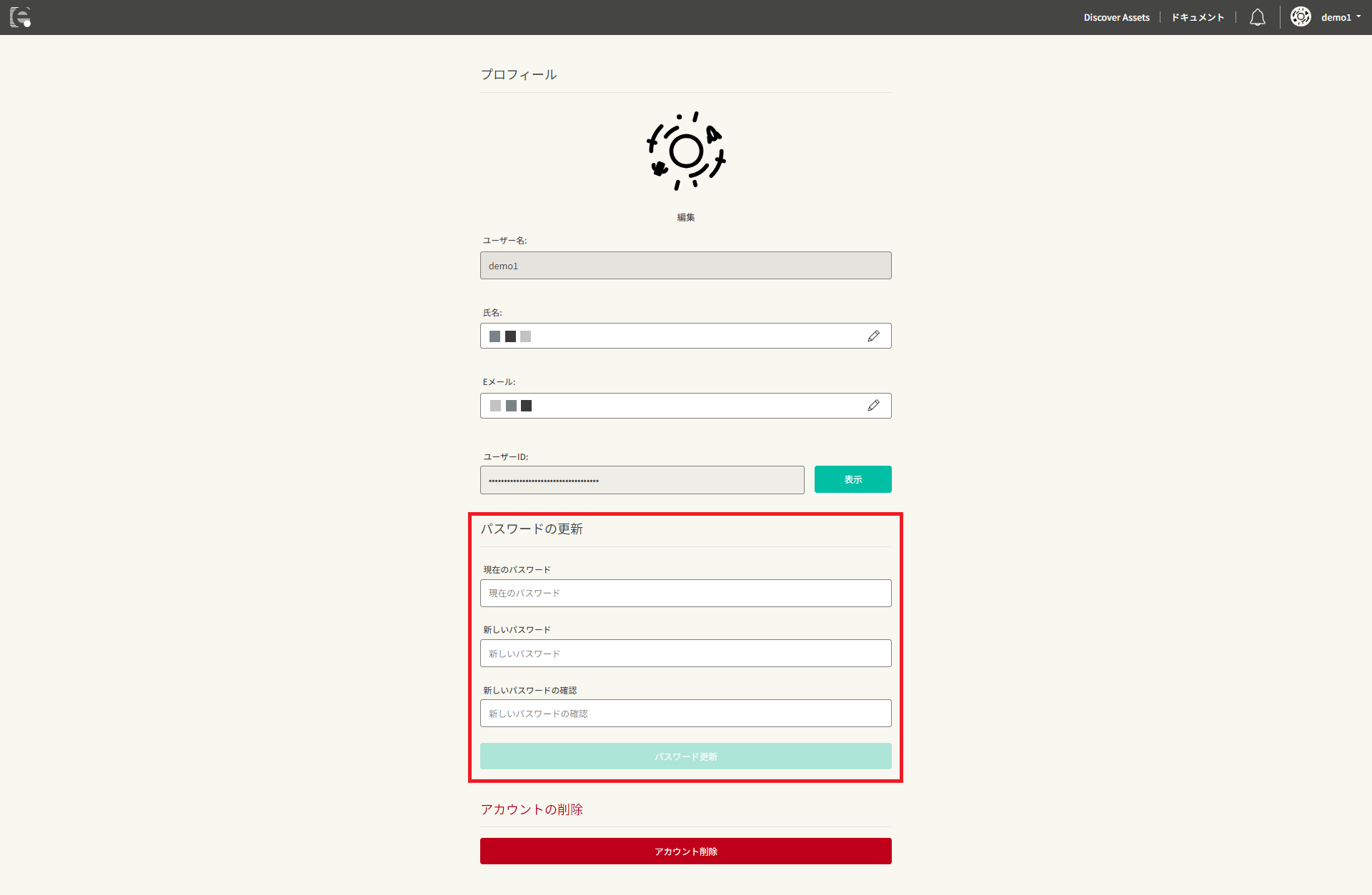
Update Password
You can change your password here. The password must be a string of at least 8 characters, including both letters and numbers. Only single-byte alphanumeric characters and symbols (! @#$%^&*. ()) are allowed.
CLI Access Key / Secret Key
You can create and manage the access key / secret key required to use enebular CLI.
- You can create up to three keys
- The secret key is shown only once, immediately after creation
See Generate CLI Access Keys for details.
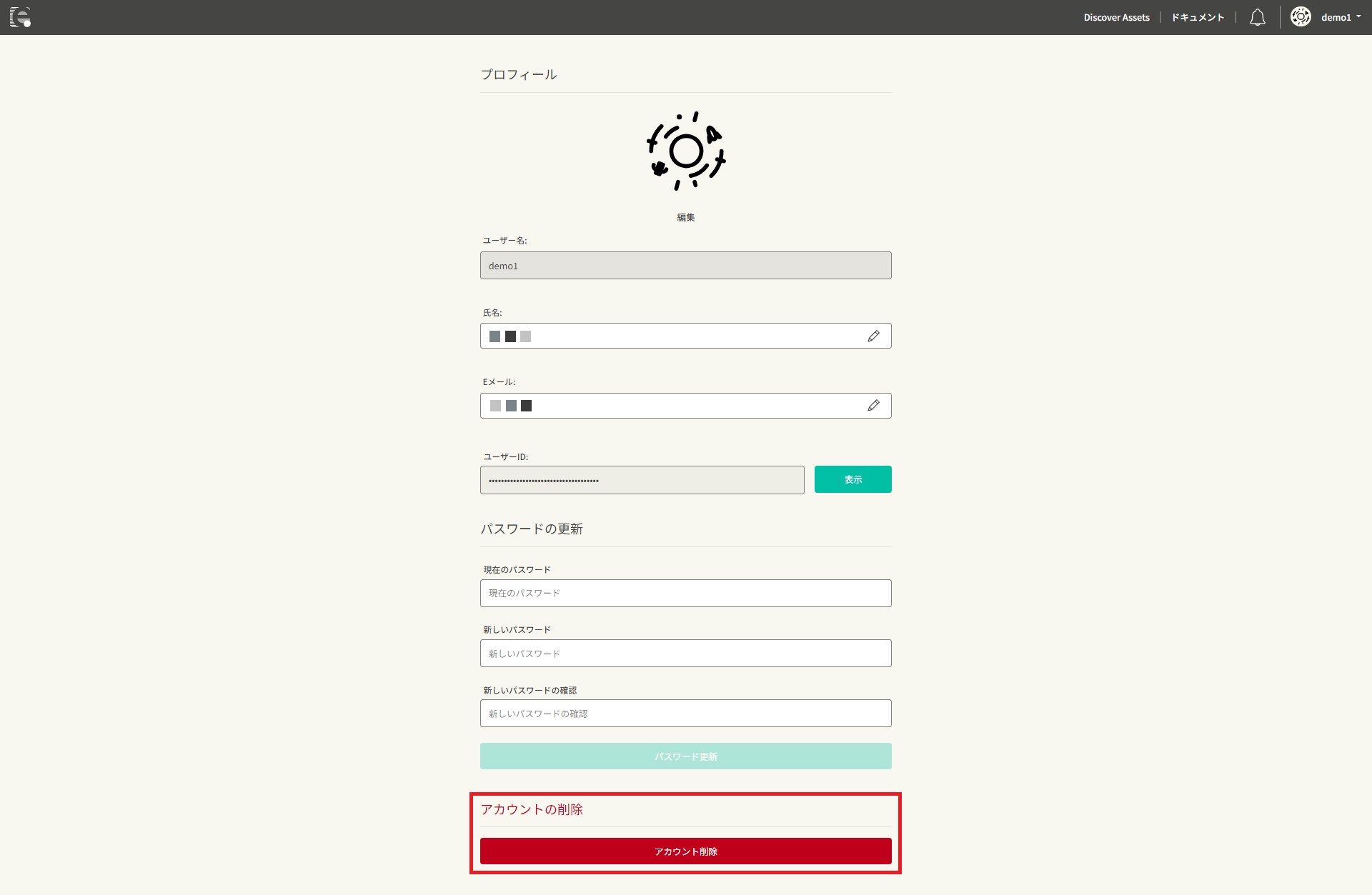
Danger Zone
You can delete your account here.